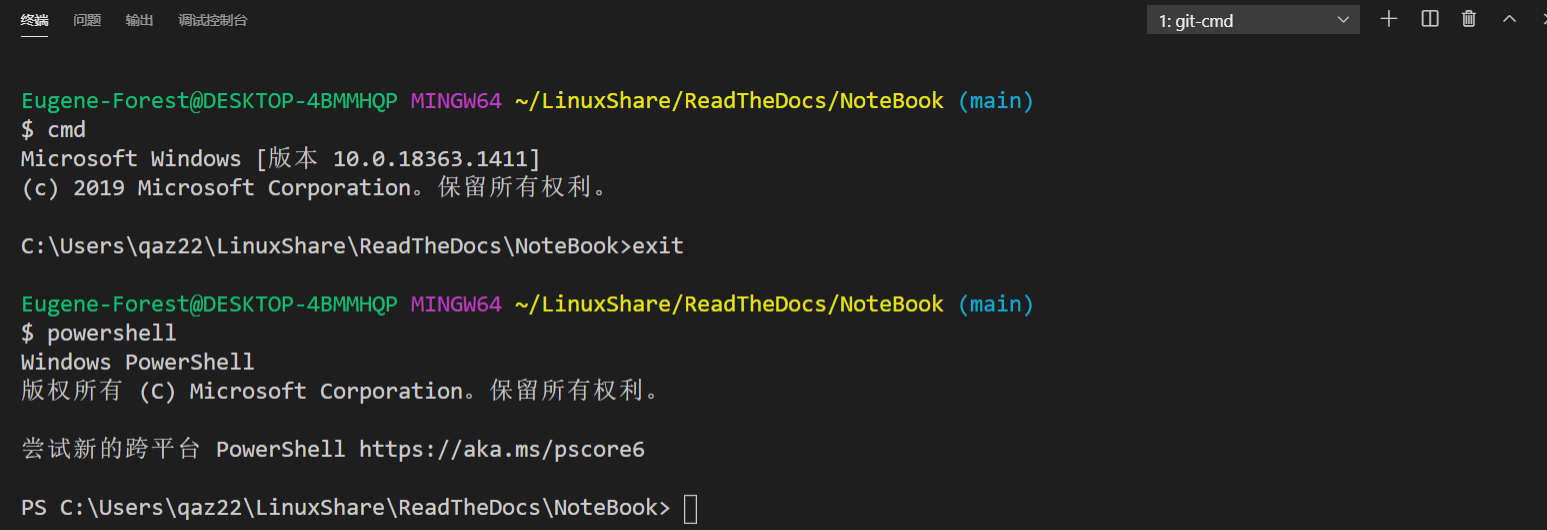
1. 关于配置vscode的终端问题
备注
最基本的方法是通过修改.vscode文件夹下的setting.json文件的 "terminal.integrated.shell.windows": 属性来修改。
具体路径具体分析更改
// Command Prompt
"terminal.integrated.shell.windows": "C:\\Windows\\System32\\cmd.exe"

// PowerShell
"terminal.integrated.shell.windows": "C:\\Windows\\System32\\WindowsPowerShell\\v1.0\\powershell.exe"

// Git Bash
"terminal.integrated.shell.windows": "C:\\Program Files\\Git\\bin\\bash.exe"
警告
这种方法更改后的shell终端只能开启一种类型(cmd,powershell,bash其中一种);如果我要在vscode中新建多个类型终端如cmd,powershell,bash,这个如何实现?
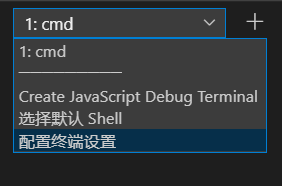
最终使用方案:
{
    "terminal.integrated.shellArgs.windows": [
        "--command=usr/bin/bash.exe",
        "-l",
        "-i"
    ],
    // Bash on Ubuntu (on Windows)
    "terminal.integrated.shell.windows": "C:\\Program Files\\Git\\git-cmd.exe"
}