
10.4. 无法将本地仓库的更新推送到github远程仓库
10.4.1. fatal: unable to access ‘https://github.com/Eugene-Forest/NoteBook.git/’: OpenSSL SSL_connect: Connection was reset in connection to github.com:443
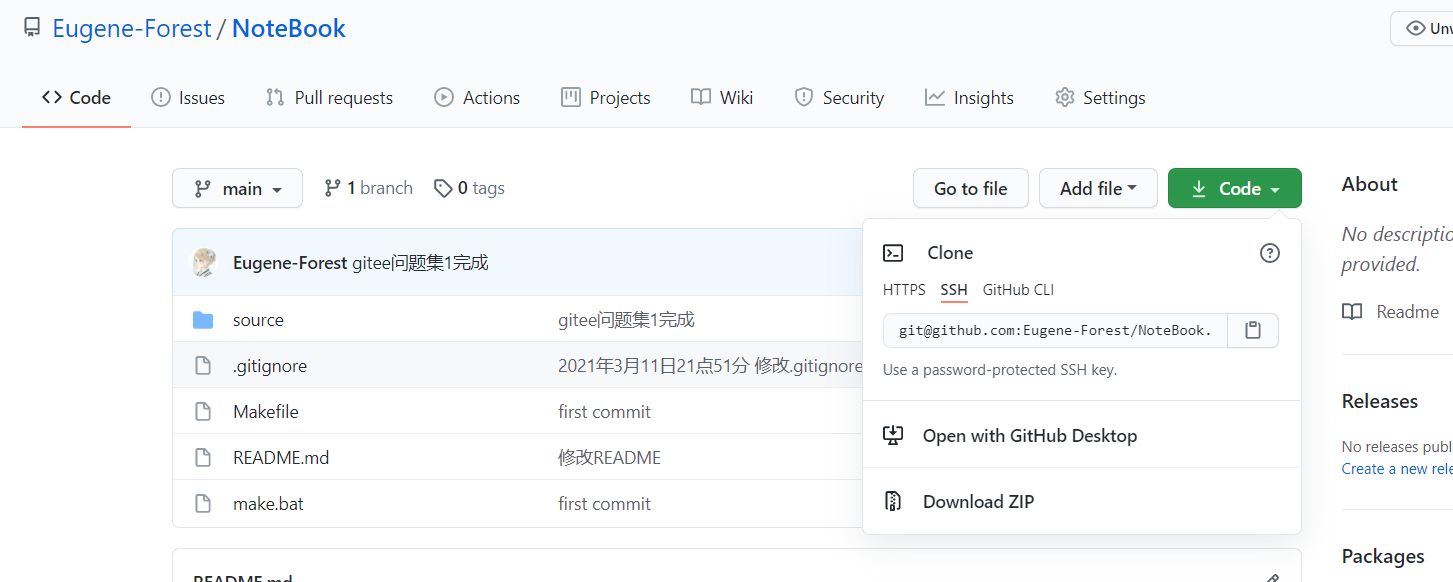
出现这种类型的错误一般可以通过修改远程仓库的地址来避免。比如说将http的仓库链接改为ssh的仓库链接。
$ git remote -v
origin  https://github.com/Eugene-Forest/NoteBook.git (fetch)
origin  https://github.com/Eugene-Forest/NoteBook.git (push)

$ git remote remove origin
$ git remote -v
# don't have result

$ git remote add origin git@github.com:Eugene-Forest/NoteBook.git

$ git push -u origin main
Warning: Permanently added the RSA host key for IP address '140.82.114.4' to the list of known hosts.
Enter passphrase for key '/c/Users/qaz22/.ssh/id_rsa':
Enumerating objects: 37, done.
Counting objects: 100% (37/37), done.
Delta compression using up to 8 threads
Compressing objects: 100% (25/25), done.
Writing objects: 100% (27/27), 589.87 KiB | 3.19 MiB/s, done.
Total 27 (delta 7), reused 0 (delta 0), pack-reused 0
remote: Resolving deltas: 100% (7/7), completed with 6 local objects.
To github.com:Eugene-Forest/NoteBook.git
   1fedfd6..69a8bd3  main -> main
Branch 'main' set up to track remote branch 'main' from 'origin'.
备注
使用ssh地址的唯一问题是每次推送需要验证密匙。并且在本地的git中,添加了ssh密匙。 点击前往添加GitHub SSH笔记记录。